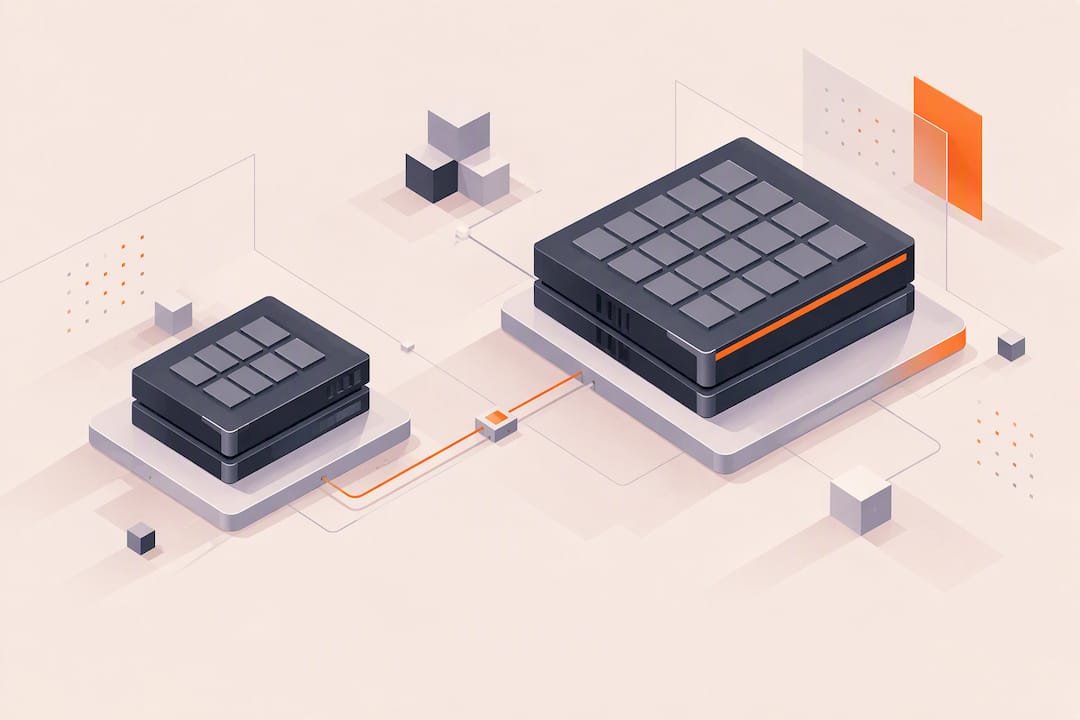
For dense, power-efficient inference on models up to roughly 13B parameters, the Nvidia L4 is the practical choice. For larger models, heavy fine-tuning, or training runs where 48GB of memory avoids sharding headaches, the Nvidia L40S wins on capacity and raw throughput, at the cost of higher power draw.
TL;DR:
The Nvidia L4 is ideal for dense inference tasks up to 13B parameters due to its lower power draw and higher rack density, offering roughly 3,000 to 5,000 tokens per second for a 7B model.
The Nvidia L40S, with double the memory and bandwidth, better suits training or inference of models above 30B parameters by avoiding sharding and enabling larger batch sizes.
Power consumption and infrastructure costs heavily favor L4 for smaller models, as five cards can share the power of one L40S, reducing total cost per token in low-memory scenarios.
For fine-tuning workloads, L40S’s larger memory and higher tensor throughput benefit optimization of bigger models, while L4’s cost and power efficiency benefit frequent small-batch experiments.
Testing both GPUs upfront via hourly rental services can prevent overinvestment and confirm the right choice based on actual model size, memory needs, and batching requirements.
Table of Contents
Technical specifications that shape your GPU choice
The two cards target different jobs from the silicon up. L4 carries 24GB of GDDR6 with about 300 GB/s of memory bandwidth in a low-profile card drawing a maximum of 72 watts, according to the Nvidia L4 product brief. L40S packs 48GB of GDDR6 with 864 GB/s of bandwidth and a 350 watt max board power, per the Nvidia L40S accelerator page.
-
Memory: 24GB on L4 versus 48GB on L40S, with L40S offering roughly triple the bandwidth.
-
Power: 72W (L4) versus 350W (L40S) max board power.
-
Form factor: L4 is a low-profile card built for dense racks; L40S is a full-height, full-length dual-slot card that needs a 16-pin auxiliary power connector, per the PNY L40S product brief.
-
Scaling features: neither card supports NVLink or MIG partitioning, so multi-GPU scaling relies on standard PCIe and software-level batching rather than hardware pooling.
How L4 and L40S perform on inference workloads
Throughput differences between the two cards depend heavily on model size, precision, and batching strategy, so treat any figures as illustrative rather than a guarantee for your stack. In dense inference setups for smaller models, L4 often shows higher tokens per second than L40S because its lower power draw lets operators pack more cards per rack for the same electrical budget.
-
For a 7B-class model under FP8 continuous batching, one third-party comparison reported L4 in the range of roughly 3,000 to 5,000 tokens per second against roughly 1,800 to 2,400 for L40S, though results vary by framework and batch size.
-
Latency per token tends to favor smaller, lower-power cards at low batch sizes, while L40S pulls ahead once batch sizes or context lengths grow large enough to need its extra bandwidth.
-
For 13B and larger models, L40S’s 48GB headroom lets you skip sharding across multiple GPUs, simplifying the serving stack even if per-card token throughput is lower in some configurations.
Nvidia L4 has a maximum board power of just 72 watts, according to its product brief, which is a large part of why dense inference clusters built on it can undercut L40S on cost per token even when raw throughput per card is similar.
Training and fine-tuning: when L40S earns its power draw
Training workloads change the calculus. L40S’s larger memory pool and higher FP8 and TF32 tensor throughput, listed at up to 1,466 TFLOPS in FP8 by Nvidia’s L40S materials, let you run bigger batch sizes on fewer cards. That matters because neither card supports NVLink, so distributing a training job across multiple GPUs relies on PCIe interconnect and model or data parallelism handled entirely in software.
-
L40S favors training when a larger single-GPU memory pool lets you avoid splitting a model across several cards, cutting orchestration overhead.
-
L4 fits small-batch fine-tuning and low-power experiment clusters where iteration speed matters more than raw batch size.
-
Model parallelism overhead grows fast without NVLink, so consolidating a training job onto fewer, larger-memory GPUs like L40S often beats spreading it across many L4 cards.
For teams running frequent small fine-tuning jobs rather than full pretraining, L4’s lower cost per card and lower power draw can make a cluster of them more practical than a smaller number of L40S cards sitting idle between jobs.
Memory capacity and what actually fits on each card
Model size dictates the decision more than any other single factor. Most 7B and 8B parameter models fit comfortably in L4’s 24GB, especially with FP8 or INT8 quantization, while 13B models fit with quantization but leave less headroom for long context windows or large batches. Models in the 30B to 70B range generally need L40S’s 48GB, even with aggressive quantization, unless you accept multi-GPU sharding.
-
Under 13B parameters: typically fits on L4 with FP8 or INT8 quantization and modest batch sizes.
-
13B to 30B parameters: feasible on L4 with tight quantization, but batching and context length suffer.
-
30B and above: generally requires L40S’s 48GB or multi-GPU sharding across L4 cards.
Quantization trades memory for a small accuracy hit and, depending on the kernel, some added latency, so it is a lever rather than a free upgrade. Sharding a model across cards to fit it on lower-memory GPUs adds inter-GPU communication that can hurt latency more than the memory savings help.
Pro Tip: Test your actual quantized model on the smaller-memory card before committing to a fleet of them: quantization quality varies enough by model architecture that a spec-sheet fit does not guarantee a production-quality fit.
Power, efficiency, and total cost of running each GPU
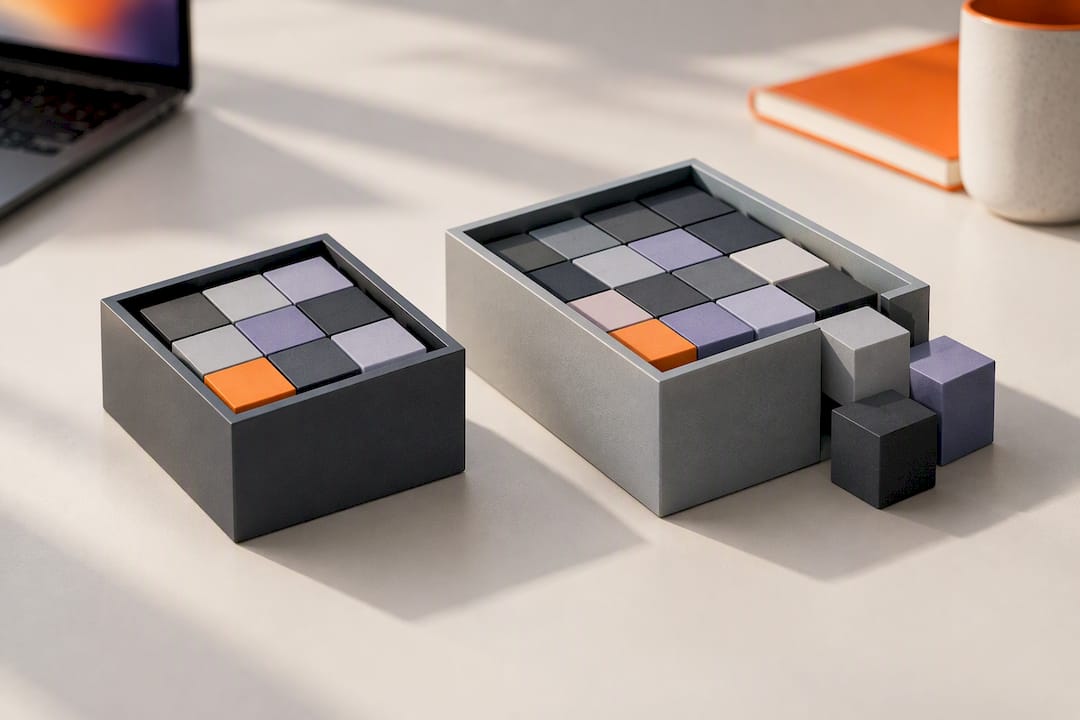
Power draw is where the two cards diverge most sharply, and it flows straight into both rack design and your cloud bill. At 72 watts max, L4 lets you fit far more cards into the same power and cooling budget as a single L40S at 350 watts, according to Nvidia’s L4 brief and L40S accelerator page.
-
Rack density: roughly five L4 cards can share the power envelope of one L40S, though actual density depends on chassis and PSU design.
-
Cost per throughput: for workloads that fit in 24GB, L4’s lower power draw often produces a lower cost per token even when per-card throughput trails L40S.
-
Engineering overhead: L40S can lower total cost for large models by removing the need for sharding logic, multi-GPU synchronization, and the debugging that comes with it.
Nvidia L40S draws up to 350 watts of board power, per its product page, a figure worth weighing against the infrastructure and engineering time saved by not splitting a large model across several smaller GPUs.
Which GPU should you choose for your workload?
Match the card to the job rather than defaulting to the newer or larger part. Three profiles cover most real deployments:
-
Dense small-model inference: choose L4 for 7B to 13B class models where power budget and cost per token matter more than peak single-card throughput.
-
Small-batch fine-tuning and experimentation: choose L4 clusters for iterative research work where low power lets you run more parallel experiments.
-
Large-model training or inference above 30B parameters: choose L40S to avoid sharding complexity and take advantage of its 48GB memory and higher tensor throughput.
| Workload | Recommended GPU | Key reason |
|---|---|---|
| 7B-13B inference at scale | L4 | Lower power per token, higher rack density |
| Small-batch fine-tuning | L4 | Lower cost per experiment, faster iteration |
| 30B+ training or inference | L40S | 48GB avoids sharding, higher tensor throughput |
A reasonable upgrade path is to prototype on L4, and move to L40S only once model size or batch requirements outgrow 24GB in practice rather than on paper.
Why this comparison matters in practice
Most teams overspend by defaulting to the bigger card out of caution, then never use the extra memory or power headroom they paid for. The more common mistake, though, runs the other way: squeezing a 30B-class model onto 24GB through aggressive quantization, then spending weeks debugging accuracy regressions that a single L40S card would have avoided outright. The right call almost always comes down to one question asked honestly: does this model actually need more than 24GB, or are you quantizing to avoid a hardware decision you have not tested?
— Erkan
How Vpzzo helps you test before you commit
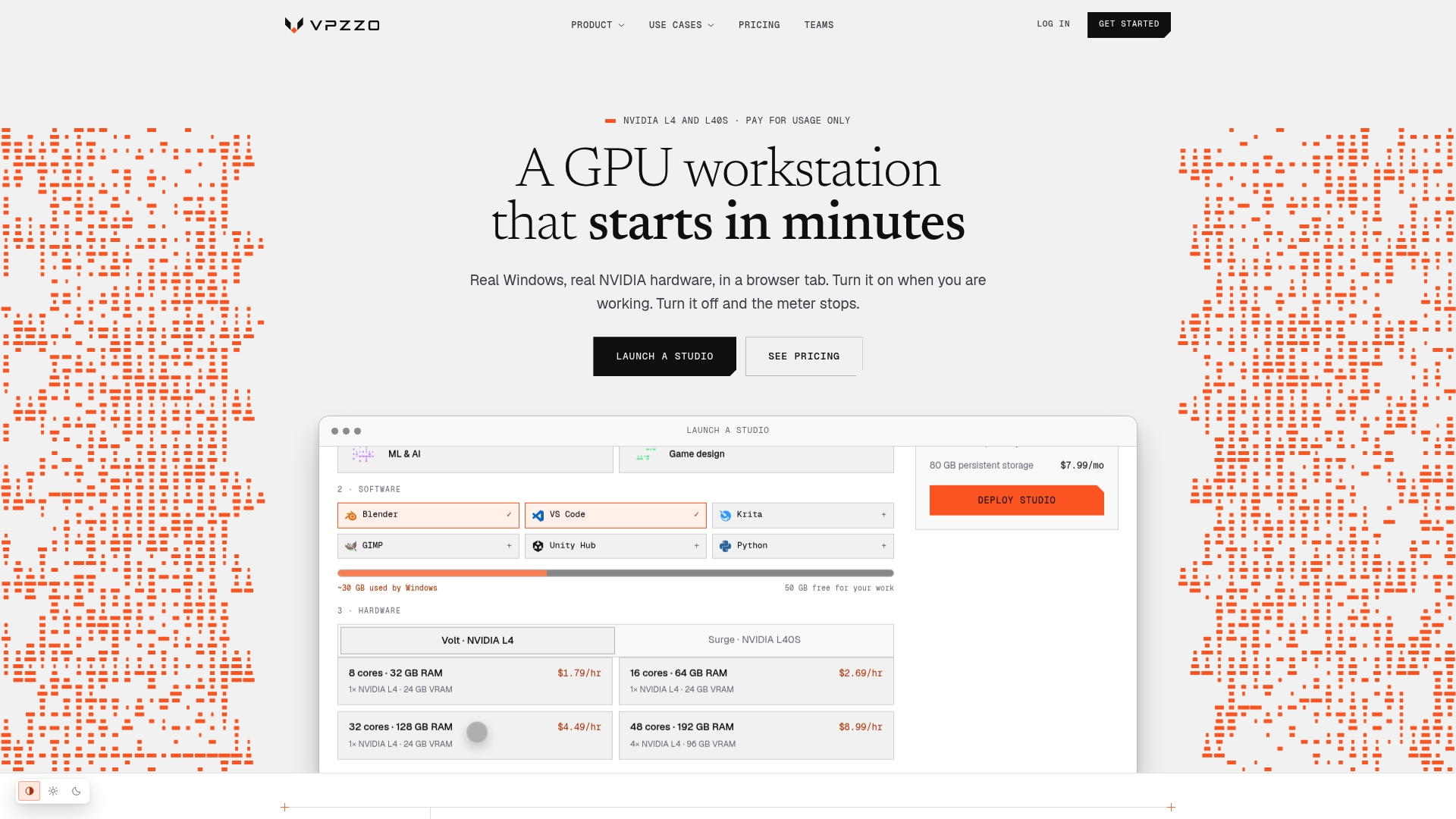
You do not need to buy either card to find out which one fits your model. Vpzzo runs dedicated Nvidia GPUs, including L4 and L40S, on a per-minute billing model, so you can spin up the exact configuration you are weighing and shut it down the moment your test finishes.
-
Per-minute billing on services like Volt from $1.29 per hour and Surge from $2.79 per hour lets you test both cards without a hardware commitment, per Vpzzo’s pricing.
-
Dedicated hardware in the browser gives you real admin access to run your own quantization and batching tests, not a shared or virtualized slice of a card.
-
1 to 8 GPUs per session means you can trial a multi-GPU L4 setup against a single L40S on the same platform.
Check the current Nvidia GPU lineup on Vpzzo and run a short benchmark against your own model before locking in a purchase or a long-term cloud contract.
Sources
The specifications and figures in this comparison come from vendor documentation, which is worth checking directly if you are sizing a production deployment.
FAQ
Is L40S better than A100?
L40S and A100 target different jobs: A100 was built primarily for large-scale training with NVLink support, while L40S focuses on a mix of inference, graphics, and training without NVLink. Neither is universally better, and the right choice depends on your workload’s need for NVLink-based multi-GPU scaling or L40S’s memory and tensor throughput for mixed workloads.
What are the key differences between the L4 and T4 GPUs?
L4 is Nvidia’s newer, Ada Lovelace generation successor to the T4, offering higher memory bandwidth and tensor throughput in a similarly low-profile, low-power form factor. Both cards target efficient inference, but L4’s newer architecture generally delivers meaningfully better performance per watt for modern model formats like FP8.
Can I run a 70B parameter model on a single L40S?
A 70B parameter model typically exceeds what fits comfortably on a single L40S’s 48GB even with quantization, so most deployments split it across multiple GPUs or use aggressive quantization with reduced context length. Test your specific quantized model rather than assuming it fits based on parameter count alone.
Does L4’s lower power draw always mean lower total cost?
Not always: L4’s 72 watt draw lowers power and cooling costs for workloads that fit in 24GB, but if your model needs sharding across several L4 cards to match one L40S’s capacity, the added engineering time can offset the power savings. Weigh cost per token against engineering overhead, not power draw alone.
Do L4 and L40S support NVLink for multi-GPU scaling?
Neither the L4 nor the L40S supports NVLink, according to Nvidia’s L4 product brief, so multi-GPU setups on either card rely on PCIe and software-level parallelism instead of a dedicated GPU-to-GPU interconnect.